
GoTheBot · macOS desktop app
Find out why your Stripe payout doesn't match your revenue.
Stripe Money Detective is a private macOS app that explains
what actually made up each Stripe payout — charges,
refunds, Stripe fees, disputes and adjustments — and shows exactly where
the difference against your payout comes from.
No Stripe API connection. No cloud upload. Your data stays on your Mac.
Runs locally on your Mac. Your CSV file is never uploaded anywhere.
See what Stripe Money Detective finds
Three steps, all on your Mac. Your Stripe data never leaves your computer.
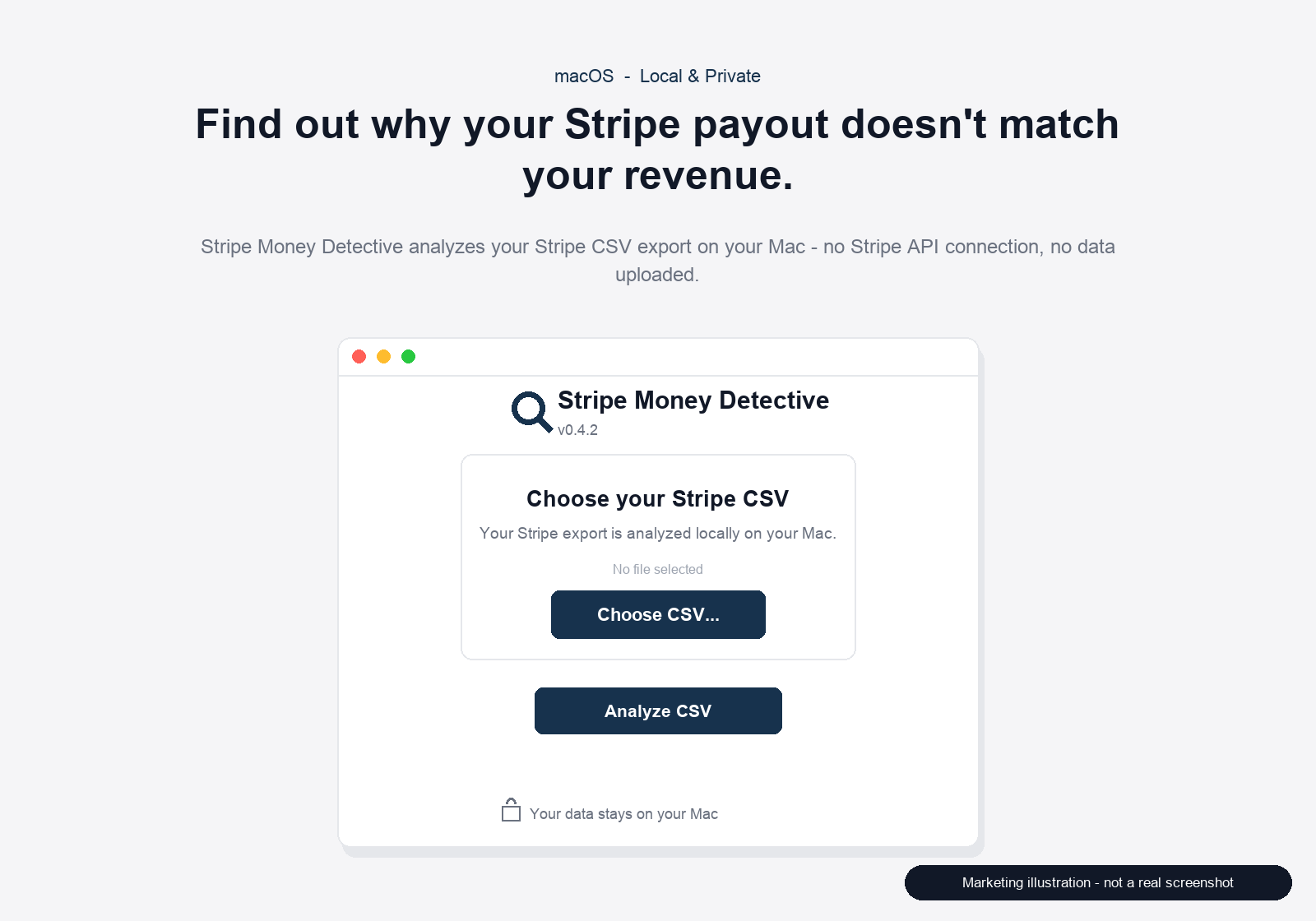
Export a Payout Reconciliation (Itemized) CSV from your Stripe Dashboard and open it in the app. No API key needed.
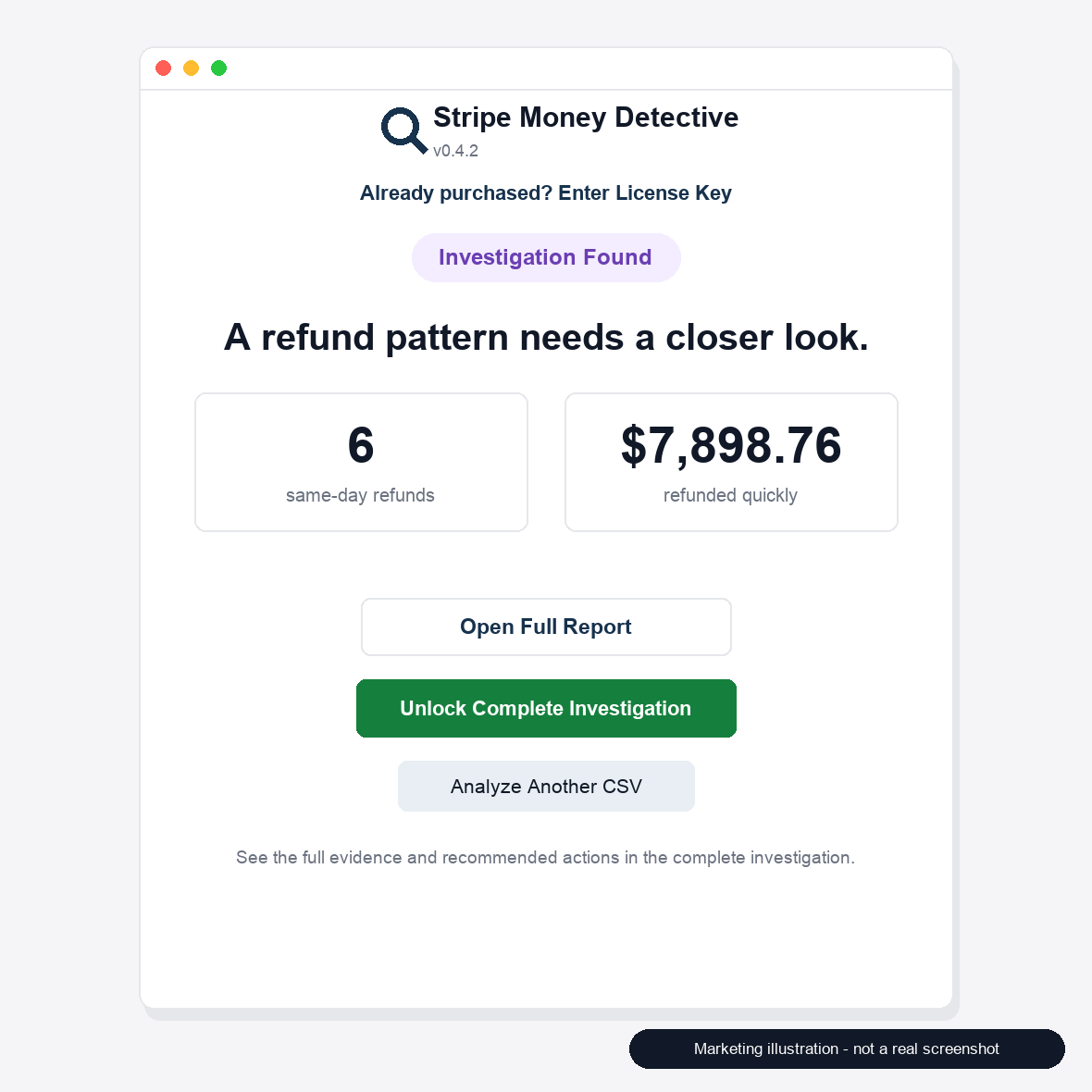
Every amount is grouped by Stripe reporting category, and the app tells you whether it reconciles — or shows the unexplained difference.
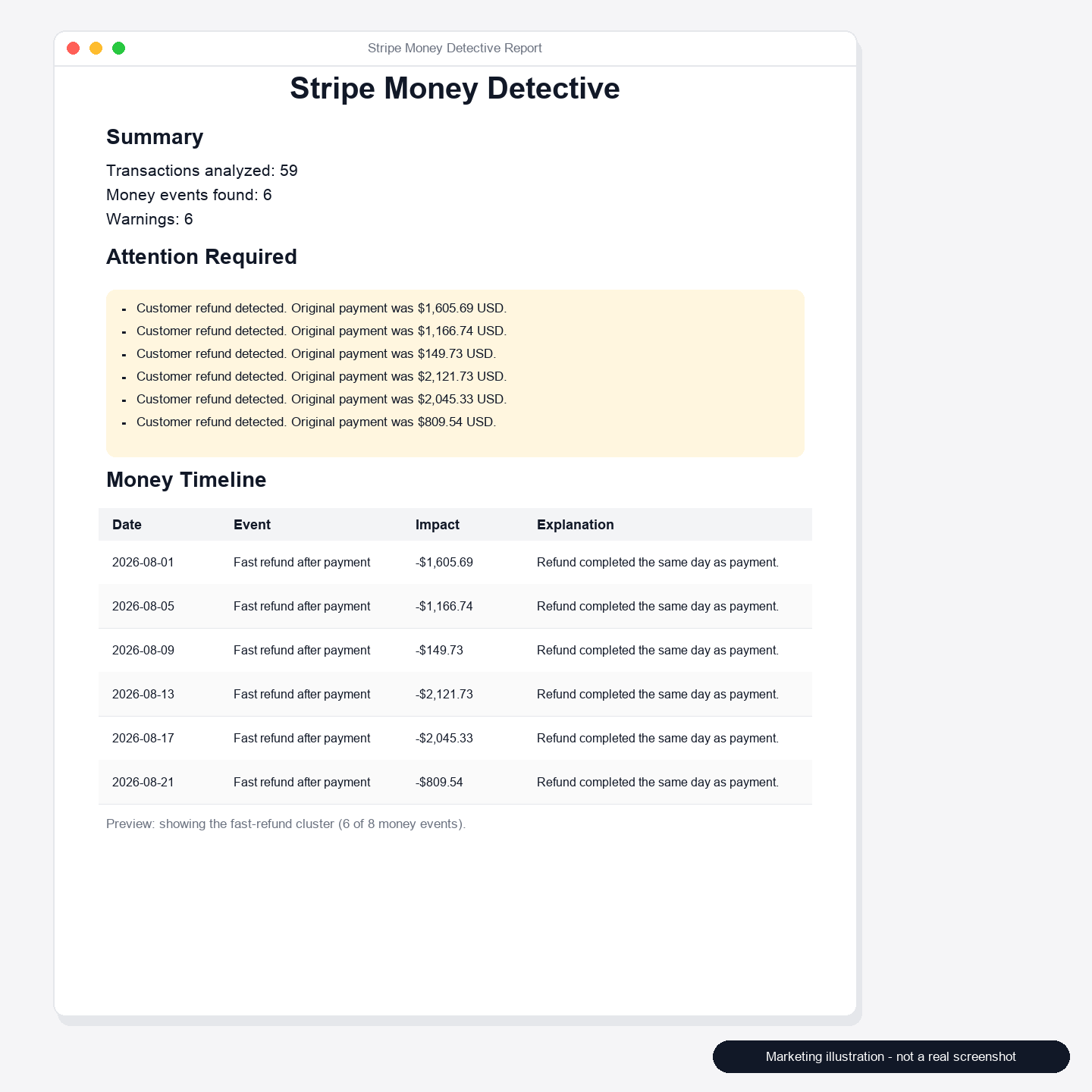
Pro unlocks a complete report tracing every amount back to its balance transaction ID and source CSV row.
Illustrations show the app interface; step 2 shows the quick-refund analysis view. Your own data stays on your Mac.
Your Stripe data stays on your Mac.
Stripe Money Detective runs entirely on your computer. Nothing is sent to any server.
- Runs locally on your Mac
- No Stripe API keys required
- No financial data uploaded
What it does
Stripe Money Detective reads the CSV files you export from your own Stripe Dashboard and explains how each payout was built up, where the money went, and what it cannot verify.
Explain each payout's composition
Groups every balance transaction by Stripe reporting category — charges, refunds, Stripe fees, disputes, adjustments — so you can see what actually reached your bank.
Show the difference and the warnings
Reconciled, Unbalanced (difference shown) or Unverified — the app states which, and flags duplicate balance transaction IDs instead of double-counting them.
Never fake a reconciliation
If an amount cannot be parsed, or the payout row is missing, the payout is marked Unverified and is never reported as reconciled.
Review investigation evidence
Inspect the transactions and signals behind each finding before you decide what to do next.
Generate detailed investigation reports
Produce a readable HTML investigation report from the analyzed export.
Unlock complete results with a license
A one-time license unlocks the complete investigation results inside the app.
How it works
Five steps, all of them on your own computer.
-
Export your Stripe CSV
Export the payment or balance data you want to review from your Stripe Dashboard.
-
Open Stripe Money Detective
Launch the macOS app and choose the CSV file you just exported.
-
Run an Investigation
Start the analysis. The app reads the file locally and builds the investigation.
-
Review the findings
Read the findings and the evidence behind them in the app and in the report.
-
Unlock the complete investigation when needed
Activate a license to unlock the complete investigation results.
Pricing
Free: import your CSV, see the payout composition summary,
reconciliation status, amount errors and warnings — risk information is
never paywalled.
Pro: unlocks the complete line-by-line traceability report
(balance transaction IDs, source row numbers and per-row amounts).
One-time purchase. No subscription.
$9.99
One-time payment · Lifetime license
- Complete investigation results
- Lifetime license for this product
- Runs locally on your Mac
Secure checkout is provided by our payment provider.
What the price covers
A single payment unlocks the complete investigation results in Stripe Money Detective. The license is issued as a lifetime license for this product.
- The app itself runs locally and can be opened without a license.
- A license is only required to unlock the complete investigation results.
- No Stripe account connection or API key is needed at any point.
Checkout status: Secure checkout provided by our payment provider.
Pricing shown here reflects the current Stripe Money Detective product configuration: a one-time payment of $9.99 for a lifetime license. Taxes, if any, are shown at checkout.
FAQ
Which Stripe CSV files does v0.5.0 support?
Payout explanation supports Payout Reconciliation (Itemized) exports, for automatic payouts in a single currency. The older quick-refund analysis still reads your payments / balance transaction exports.
Does it support every Stripe report format?
No. We do not promise compatibility with every Stripe report layout. If a file cannot be parsed, the app reports that instead of guessing.
What do I get for free, and what does Pro unlock?
Free gives you the payout composition summary, reconciliation status, amount errors and warnings. Pro (a one-time $9.99 purchase) unlocks the complete line-by-line traceability report.
What is Stripe Money Detective?
It is a macOS desktop application from GoTheBot that analyzes Stripe CSV exports, identifies unusual payment and refund patterns, and generates investigation reports. It is the first product released under the GoTheBot name.
What files does it analyze?
CSV files that you export yourself from your Stripe Dashboard. The app reads the file locally on your Mac. It does not connect to your Stripe account and does not use Stripe API keys.
Does it modify my Stripe account?
No. The app only reads the CSV file you provide. It does not create, update, refund or cancel anything in your Stripe account, and it never receives your Stripe credentials.
How do I receive my license?
After a completed purchase, the license key is sent to the email address used at checkout. You then activate that key inside the app to unlock the complete investigation results.
What happens after purchase?
You receive a license key by email, activate it in Stripe Money Detective, and the complete investigation results become available in the app. If something goes wrong with delivery, contact us and we will sort it out.
Is it a subscription?
No. Stripe Money Detective is sold as a one-time payment with a lifetime license for this product. There is no recurring charge.
Ready to look closer at your Stripe data?
Export a CSV, open it on your Mac, and run an investigation.